How to Play SpeedRunners 2 With Friends: Online, Couch and Crossplay
Set up a SpeedRunners 2 group session: 8-player online lobbies, private races, couch co-op, LAN and Steam Remote Play — plus what crossplay supports today.
FAQ
Can I create a private lobby in SpeedRunners 2?
How do I create a custom match in SpeedRunners 2?
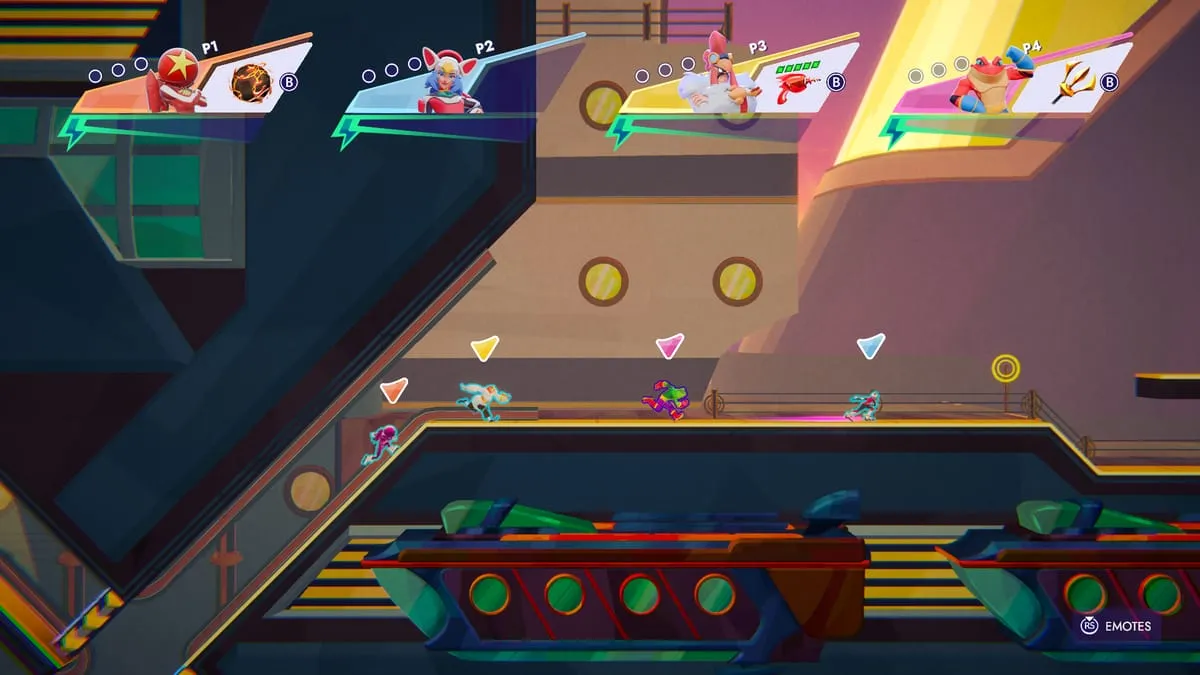
How many players fit in one SpeedRunners 2 race?
Does SpeedRunners 2 have split-screen couch multiplayer?
My friend is on Switch and I am on PC — can we play together?
SpeedRunners 2 is at its best with people you know — the original SpeedRunners spent a decade as a party-and-tournament favorite, and the sequel is built around exactly that table. This guide covers every way to get a group racing together, from online private lobbies to a couch full of controllers.
Which Connection Type Fits Your Group?
| Setup | Max players | Platforms | Best for |
|---|---|---|---|
| Online private lobby | 8 | Steam, PS5, Xbox now; Switch temporarily paused (crossplay) | Friend groups across the world |
| Online matchmaking | 8 | Steam, PS5, Xbox now; Switch temporarily paused (crossplay) | Filling races fast |
| Local / split-screen | not officially stated | All platforms incl. Switch | Same-room parties |
| LAN (PC) | not officially stated | Steam | Latency-free local networks |
| Steam Remote Play Together | not officially stated | Steam | Friends without the game — one copy hosts |
Setting Up an Online Group Session
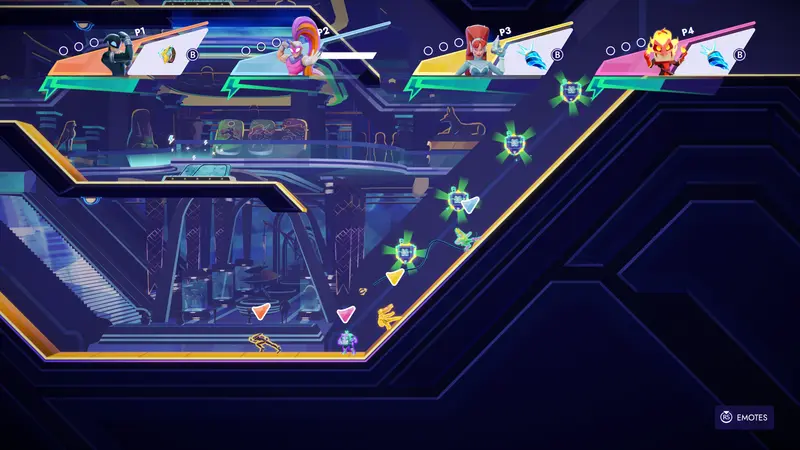
- Agree on a meeting point. Crossplay connects Steam, PS5 and Xbox right now (Switch is temporarily paused during the Patch 1.4 rollout gap), so the lobby can be mixed no matter who’s on what — a private lobby is the shared meeting point.
- Create a private lobby. Private lobbies let you race your own group without matchmaking outsiders — what other games call a custom match. Exact menu wording can shift between patches, but the game’s multiplayer menu is where lobby creation lives.
- Invite through your platform’s system. Steam friends lists, PlayStation invites and Xbox invites all work for pulling people in — and once everyone is inside, a crossplay private lobby is the shared meeting point regardless of who’s on what.
- Warm up while you wait. A quick offline bot race keeps early arrivals sharp while the last friend finishes downloading.
- Rotate maps. With eight maps and two layouts each, let the rotation run — everyone learns faster when they see the whole map pool.
Couch Play: The Party Setup
Local multiplayer is the heart of SpeedRunners as a franchise, and SpeedRunners 2 keeps it: shared/split-screen PvP on every platform including Switch. A few practical notes:
- Controllers win. One player on keyboard and the rest on controllers works; a crowd sharing one keyboard does not.
- The elimination rule makes couch play self-balancing. Weaker players get eliminated quickly and the spectating begins — keep races short and rotate so nobody sits out long.
- PC groups can use LAN instead for near-zero latency, or Steam Remote Play Together so only one person needs to own the game.
Tournaments for Bigger Groups
If your community outgrows single races, SpeedRunners 2 supports tournaments with up to 64 entrants in a bracket format. Sixty-four is the entry capacity of the bracket — individual races still cap at 8 runners, with the field narrowing round by round. That makes tournaments the natural format for Discord communities and streamer events; watch the official Discord for community-run events.
First Night With Friends: A 30-Minute Plan
- Everyone plays the tutorial campaign stages solo first (15 minutes) — the beginner guide has the full routine.
- Two bot races with the group to warm up movement.
- Switch to private online races and let the map rotation teach the pick-ups.
- End on a first-to-five-wins series — elimination scoring makes it dramatic.
Related Pages
- Crossplay status — the platform-by-platform truth table
- Movement techniques — what to practice before trash-talking your friends
- Beginner guide — send this to the friend who just bought the game
Related Articles
SpeedRunners 2 Guides
SpeedRunners 2 Reverse Grapple: The Lesson, the Technique, the Legacy
The Reverse Grapple is SpeedRunners 2’s hardest tutorial lesson — the input checks, the technique’s original-game roots, and what is verified about clearing it.
SpeedRunners 2 Guides
SpeedRunners 2 Secret Achievements: The Four Hidden Map Secrets
SpeedRunners 2 hides four achievements — one secret per map: Museum, Metro, Casino and SS Royale. What Steam’s own data confirms, and where the gem hunt stands.
SpeedRunners 2 Maps
Casino Map in SpeedRunners 2: Layouts and the Royal Flush Trail
Casino returns in SpeedRunners 2, confirmed by the live build’s own data — an Expert-tier course in the original game. Layouts, theme, and the Royal Flush secret.
Next up
SpeedRunners 2 Crossplay Status: What Works on Every Platform
Which platforms can actually race together today — verified after every patch.
Was this helpful?
Thanks for the feedback!